Release Checklist

A checklist for releasing a software version from final prep to post-release.

Published June 27, 2026

Plan the release

  • Confirm the scope and the features and fixes included in this version.
  • Verify all planned work is merged and the release branch is frozen.
  • Choose the version number using your versioning scheme.
  • Schedule the release date and time, and a maintenance window if needed.
  • Confirm owners for deploy, comms, monitoring and support.
  • Check for dependencies, migrations or coordinated changes.

Prepare the version

  • Bump the version number in code, packages and config.
  • Update the changelog with features, fixes and breaking changes.
  • Write user-facing release notes in clear, benefit-led language.
  • Prepare internal notes covering technical and migration details.
  • Tag the release in version control and create a release branch or tag.
  • Update documentation, help articles and API references.

Final tests and approval

  • Run the full automated test suite and confirm it passes.
  • Complete regression and smoke testing on the release candidate.
  • Confirm no open blocker or critical defects remain.
  • Verify any feature flags are set correctly for the release.
  • Obtain final QA and stakeholder sign-off.
  • Confirm rollback and backup plans are ready.

Deploy and verify

  • Back up the database and record the current production version.
  • Deploy the new version to production following your deploy process.
  • Run migrations and confirm they complete successfully.
  • Smoke test critical paths and confirm the correct version is live.
  • Check error rates, performance and integrations after deploy.
  • Roll out gradually with a canary or staged release if available.

Communicate the release

  • Publish release notes to users via the appropriate channels.
  • Notify internal teams including support, sales and product.
  • Brief the support team on changes and likely questions.
  • Update status pages or in-app announcements as needed.
  • Inform key customers of any breaking changes or required actions.
  • Confirm marketing or social posts are scheduled if planned.

Monitor and follow up

  • Watch dashboards, logs and alerts closely after release.
  • Track adoption and key metrics against expectations.
  • Monitor support channels for new issues or confusion.
  • Be ready to hotfix or roll back if a serious problem appears.
  • Close out release tickets and update records.
  • Hold a brief retrospective and capture improvements for next time.

0 / 36 done
A release checklist is a list of steps that takes a software version from feature-complete to fully shipped. It covers planning the release, bumping the version, writing release notes, running final tests, deploying, communicating with stakeholders and monitoring afterward — so each version goes out cleanly and predictably.

A release is more than a deploy. It's the whole act of cutting a version: confirming what's in scope, tagging it, documenting changes for users and the team, shipping it, telling the right people, and watching for problems. Miss a step and you get untracked versions, surprised stakeholders or a silent regression.

This checklist walks through the release in order — preparing the version, finalizing tests, deploying, communicating and following up — so engineers, product and support stay aligned on what shipped and when.

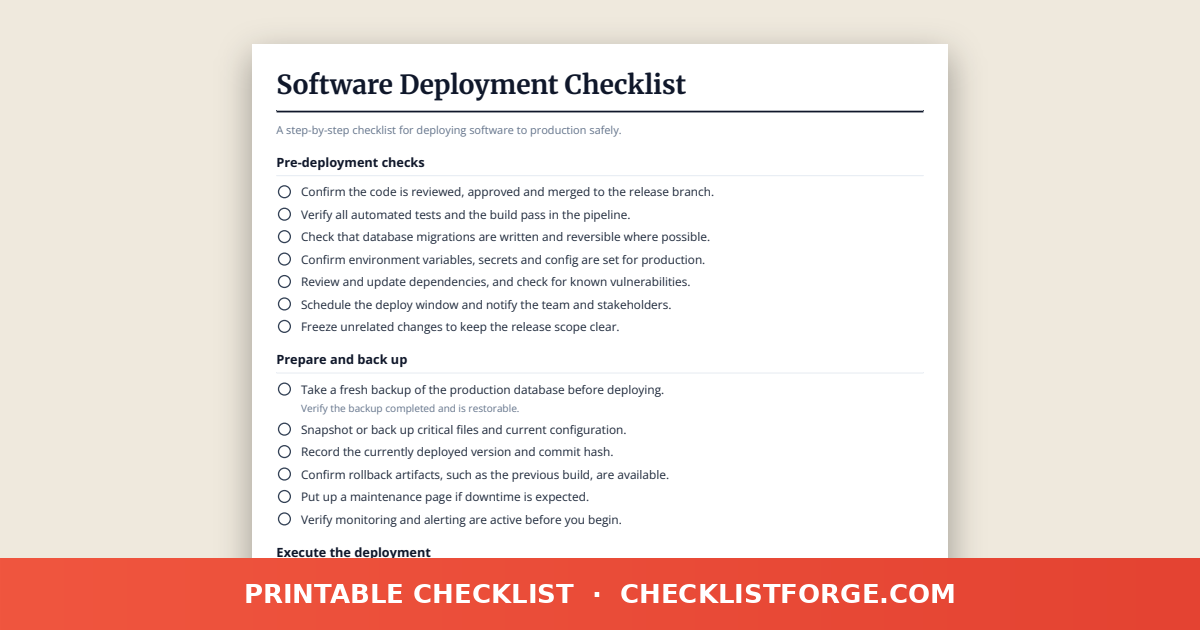
Use the printable version for each release, or save the PDF and share it with your developers, product owners and support team so every version follows the same routine. It complements a deployment checklist, which focuses on the deploy mechanics.

FAQ

What's the difference between a release and a deployment?

A deployment is the technical act of pushing code to an environment. A release is the broader process of cutting and shipping a version — versioning, release notes, final testing, comms and follow-up. This checklist covers the release; a deployment checklist covers the deploy mechanics.

What should go in release notes?

Summarize new features, improvements, bug fixes and any breaking changes or required actions. Write them for your audience — users want clear value, while internal teams need technical detail and migration steps. Keep a changelog updated each release.

How does version numbering work?

Many teams use semantic versioning: MAJOR for breaking changes, MINOR for new backward-compatible features, and PATCH for bug fixes. Pick a scheme, apply it consistently, and tag each release in version control.

Who should be informed about a release?

Inform everyone affected: the engineering team, product, support, sales and end users where relevant. Clear comms prevent support surprises and help stakeholders prepare for changes. The checklist includes a dedicated communication step.

Can I download this release checklist as a PDF?

Yes. You can print it or save the PDF so your team follows the same release routine every version, ticking off each step from preparation through post-release monitoring.