Vaccination Checklist

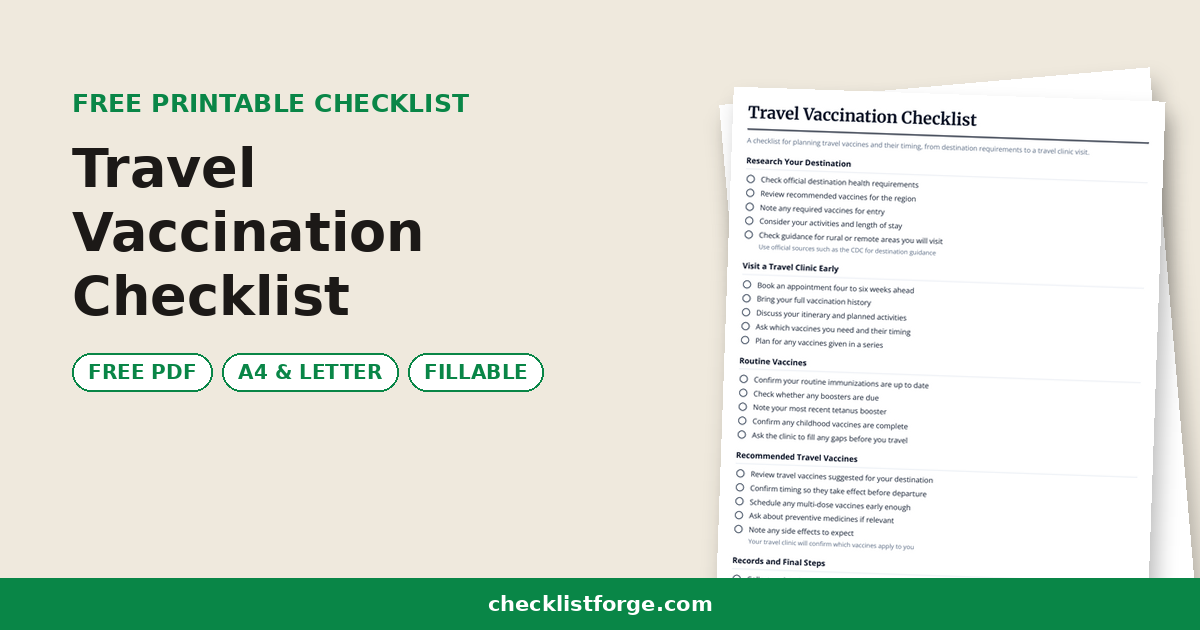
A checklist for tracking your immunization records and staying current on recommended vaccines across every life stage.

Published July 2, 2026

Gather Your Records

  • Collect immunization records from current and previous doctors
  • Request records from your pharmacy and any past employers or schools
  • Check your state or national immunization registry if available
  • Keep all records together in one folder or digital file
  • Note any vaccines you believe you had but cannot document
    Your doctor can advise whether to repeat or check immunity

Childhood and Adolescent

  • List routine childhood vaccines received in infancy and early years
  • Confirm school-required immunizations are documented
  • Track adolescent boosters and teen-stage vaccines
  • Note dates for any catch-up doses still needed
  • Ask your child's doctor what is due before the next visit

Adult Vaccines

  • Record your most recent tetanus and diphtheria booster date
  • Note annual flu vaccine dates
  • List any vaccines recommended for your job or lifestyle
  • Flag vaccines recommended during pregnancy if relevant
  • Ask your doctor which adult vaccines apply to you

Senior and Higher-Risk

  • Discuss vaccines recommended for older adults with your doctor
  • Note any extra vaccines advised for chronic health conditions
  • Track boosters that may be recommended as you age
  • Confirm timing for age-related immunizations
  • Review caregiver vaccines if you care for someone vulnerable

Stay Organized

  • Add upcoming due dates to your calendar with reminders
  • Keep a wallet card or phone note with key dates
  • Update the record each time you receive a vaccine
  • Bring your records to every medical appointment
  • Share records with new providers when you change doctors

Important

  • This checklist is general information only and is not medical advice; follow the immunization schedule and guidance your doctor provides for you and your family
    Always confirm recommended vaccines and timing with your healthcare provider

0 / 26 done
A vaccination checklist is a simple way to track which immunizations you and your family have received and which ones may be due, organized by life stage from infancy through older adulthood. It helps you keep accurate records, prepare for appointments, and discuss the recommended schedule with your doctor.

Vaccines protect against many serious diseases, and recommended schedules differ by age, health status, and other factors. Public health bodies such as the CDC and WHO publish schedules that your doctor uses to tailor advice to you.

Use this list to gather your records, note past doses, and flag anything to ask about at your next visit. It is a planning aid, not a substitute for the schedule your healthcare provider follows.

Made for patients, caregivers, and seniors keeping track of their own and their family's records, this checklist is printable and downloadable as a PDF. Tick off what is current and circle what to confirm with your doctor.

FAQ

What is a vaccination checklist?

It is a record-keeping tool that lists immunizations by life stage so you can see what you have had and what may be due. It helps you prepare questions for your doctor, who confirms the right schedule for you.

How do I know which vaccines I need?

Recommended vaccines depend on age, health conditions, pregnancy, work, and travel. Public schedules from the CDC and WHO are a starting point, but your doctor will tailor advice to your situation, so ask at your next visit.

Where can I find my vaccination records?

Check with your current and past doctors, your pharmacy, school or employer health records, and any state immunization registry. Keep copies together in one place and bring them to appointments.

Do adults need vaccines too?

Yes. Adults and seniors may need boosters and additional vaccines as they age or develop health conditions. Ask your doctor which immunizations are recommended for your age and health status.

Is this vaccination checklist printable?

Yes. Print it or download the PDF, fill in your dates, and bring it to your appointment so your doctor can review what is current and what to update.