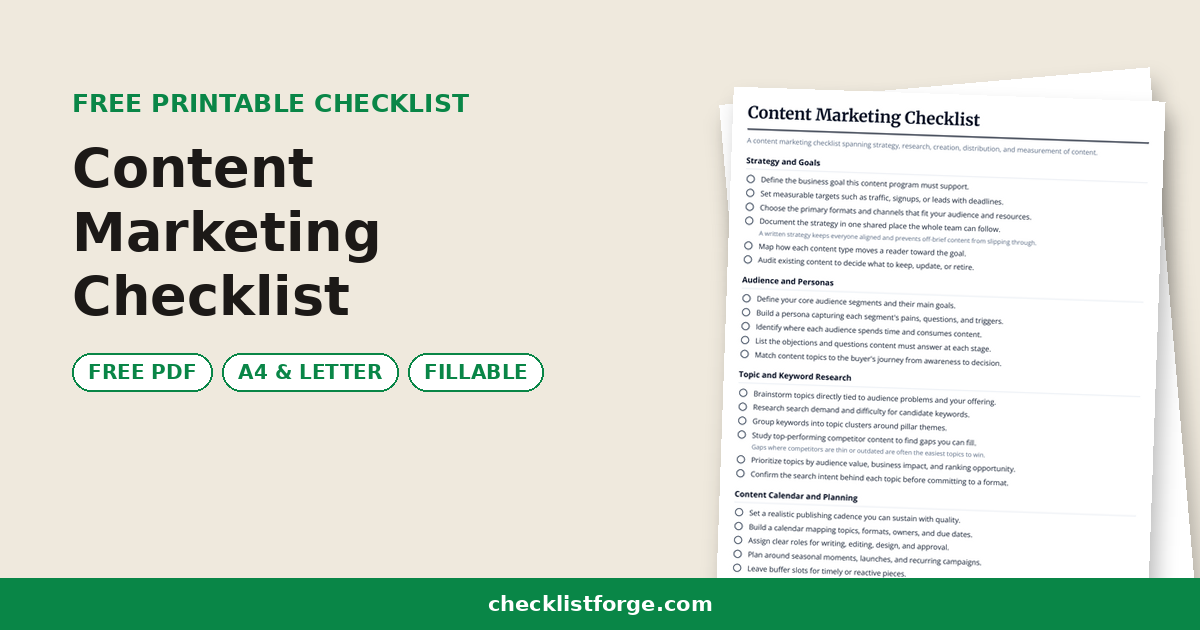
App Launch Checklist

An app launch checklist covering QA, store listings, marketing, analytics, support and launch day.

Published July 16, 2026

Pre-launch QA

  • Test core user flows end to end on real devices.
  • Verify the app on the operating system versions you support.
  • Check crash-free rate and fix critical bugs first.
  • Test sign-up, login and payment flows thoroughly.
  • Confirm permissions are requested clearly and behave correctly.
  • Run accessibility and localization checks.
    Test with a screen reader and any languages you support.

Store listing and ASO

  • Write a clear app title and subtitle with target keywords.
  • Research and add relevant keywords to the listing.
  • Create screenshots that show the core value quickly.
  • Design an icon that stands out at small sizes.
  • Write a benefit-led description and feature list.
  • Set the correct age rating, category and privacy details.

Marketing and PR

  • Prepare a landing page with a clear call to action.
  • Build an email list and draft the launch announcement.
  • Schedule social posts and a launch-day sequence.
  • Reach out to press, newsletters and relevant communities.
  • Prepare a press kit with screenshots and copy.
  • Line up reviewers or early users to share feedback.

Analytics and tracking

  • Define the key events to track before launch.
  • Install and verify the analytics SDK fires correctly.
  • Set up install attribution to see where users come from.
  • Add crash and error reporting.
  • Build a dashboard for installs, activation and retention.
  • Set goals so you can judge launch performance.

Support readiness

  • Write help articles and frequently asked questions.
  • Set up a support channel and a contact route.
  • Brief the team on common issues and how to respond.
  • Prepare canned replies for known questions.
  • Plan how you will triage and route bug reports.
  • Decide how you will collect and respond to reviews.

Launch day

  • Confirm the build is approved and live in the store.
  • Publish the landing page and announcement.
  • Send the launch email and post on social channels.
  • Monitor crash reports and error rates in real time.
  • Respond quickly to early reviews and support messages.
  • Have the team on standby for urgent fixes.

Post-launch monitoring

  • Track installs, activation and retention against goals.
  • Watch the crash-free rate and prioritize hot fixes.
  • Review user feedback and reviews for common themes.
  • Plan and ship a follow-up update within the first weeks.
  • Refine the store listing based on conversion data.
  • Hold a retrospective and document lessons learned.

0 / 42 done

An app launch checklist is a structured plan for releasing a mobile or web app — covering everything from final quality assurance and app store listings to marketing, analytics, support readiness, launch day and the monitoring that follows. It keeps the many moving parts of a release coordinated across product, marketing and support.

Launches are won or lost in the details: a crash on first open, a store listing that does not convert, or analytics that were never wired up. A checklist makes sure the app is tested, the listing is optimized, the team is ready to support users, and you can actually measure how the launch performs.

Work through it in phases. Lock down QA and the store listing before you announce, line up marketing and support, then treat launch day as a coordinated event and watch the numbers closely in the days after.

This checklist suits founders, product managers, marketers and indie developers shipping to the App Store, Google Play or the web. Print it to coordinate the team, or download the PDF and assign each item an owner and a due date.

FAQ

What is an app launch checklist?

It is a structured plan for releasing an app. It covers final QA, optimizing the store listing for discovery, marketing and PR, wiring up analytics, preparing support, coordinating launch day and monitoring performance afterwards so the release goes smoothly and you can measure results.

What is ASO and why does it matter?

App store optimization is improving your listing — title, keywords, description, icon and screenshots — so the right people find and install the app. A strong listing turns store visits into downloads, which compounds with marketing and is often a major share of organic growth.

What should you test before launching an app?

Test core flows on real devices and operating system versions, check performance and crash-free rates, verify payments and sign-up, confirm permissions behave, and run accessibility checks. Fix critical bugs before release and have a plan for pushing fast updates after launch.

What analytics should you set up before launch?

Track installs, activation, key actions and retention from day one, plus crash and error reporting. Define the events that matter before you ship so you can see what users do, where they drop off, and whether the launch is meeting its goals.

Is this available as a printable PDF?

Yes. Print the app launch checklist to coordinate product, marketing and support, or download the PDF and assign each task an owner and due date so the team stays aligned from pre-launch QA through to post-launch monitoring.